- Home
- Education
- Certifications
- Rural Health Coding & Billing Specialist (RH-CBS)
- Community Health Coding & Billing Specialist (CH-CBS)
- Critical Access Hospital Coding & Billing Specialist (CAH-CBS)
- Credentialing Specialist for Rural Health (RH-CS)
- Credentialing Specialist for Community Health (CH-CS)
- Small Rural Hospital Coding & Billing Specialist (SRH-CBS)
- Revenue Cycle Management Specialist
- Department Lead Specialist Certification
- Continuing Education/Webinars
- Independent Self Study Modules
- Audit Support
- Consulting
- Certifications
- Events
- Membership
- Onboarding Program
- Coding Books
- About Us
|
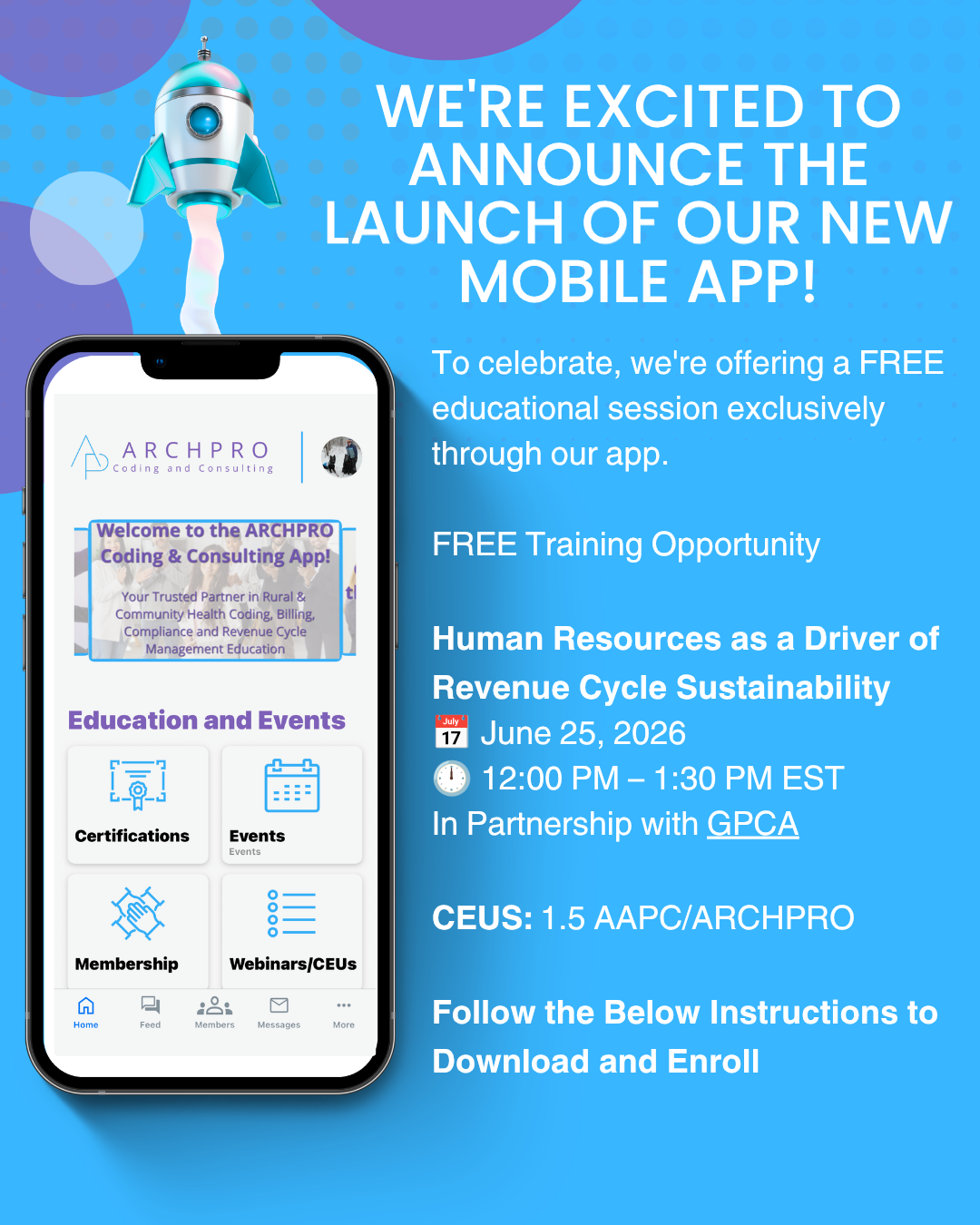
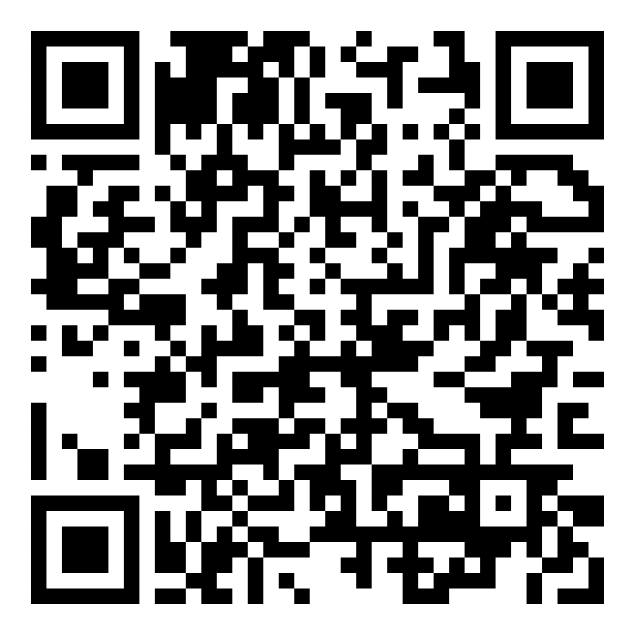
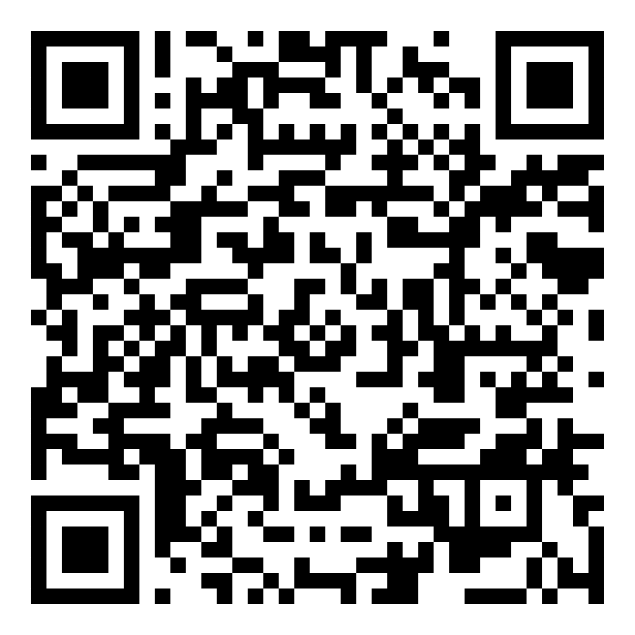
How to Download and Access FREE TrainingStep 1: Download the ARCHPRO Coding & Consulting App on Apple Store or Google Play
Step 2: Create Your Account
Step 3: Check In to the Training
IMPORTANT We will monitor event check-ins through the app. Everyone who has successfully checked in will receive a pre-class email the day before the training containing:
We encourage you to download the app and create your account as soon as possible so you don't miss these complimentary training opportunities. We look forward to seeing you there! ARCHPRO Coding & Consulting Your Trusted Partner in Rural & Community Health Coding, Billing, Compliance & Revenue Cycle Education |


Find us on Facebook
Our Sponsors